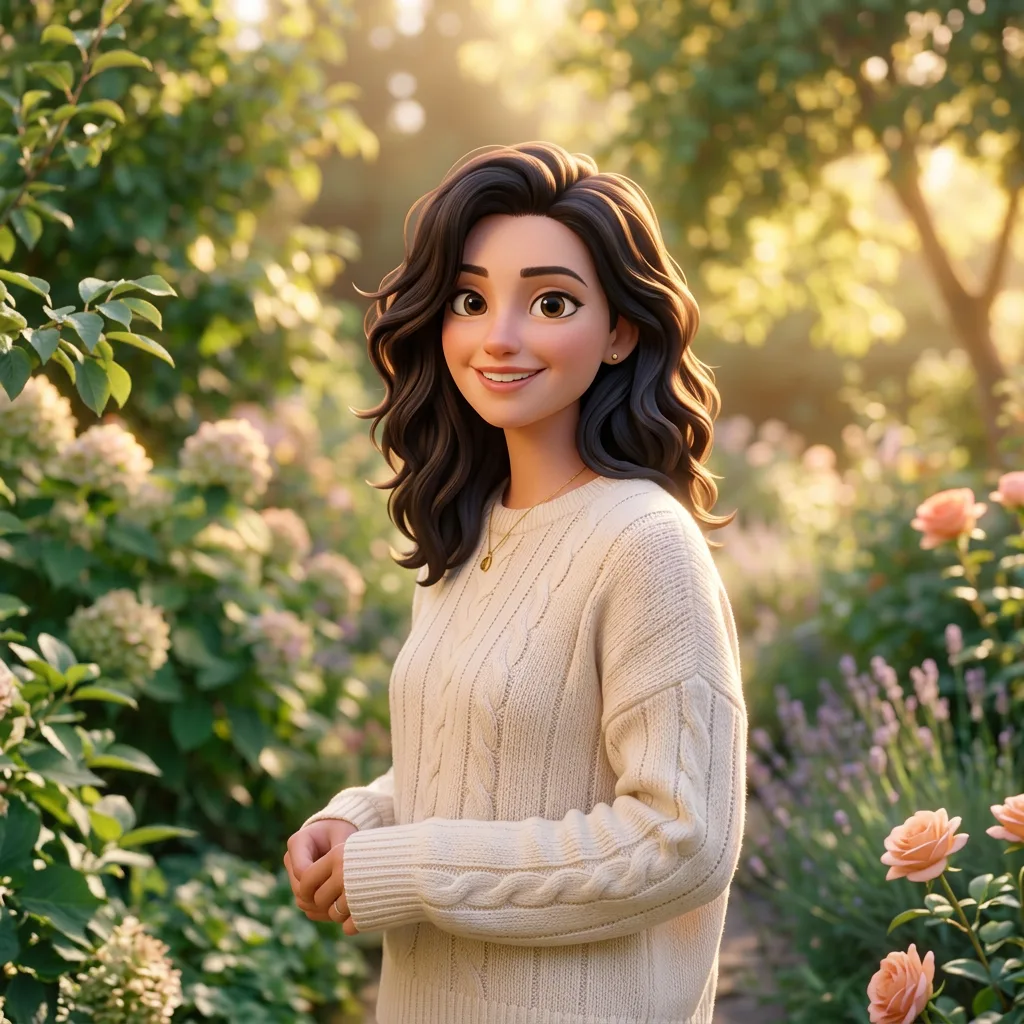
Editorial illustration
Translate a scene into a visual style
Check object count, composition and material texture.
Independent Miora Design guides & design experiments
Learn to write clearer briefs, protect product details and build consistent visual workflows. Explore Miora Design prompt frameworks and practical checklists for Tencent Miora.
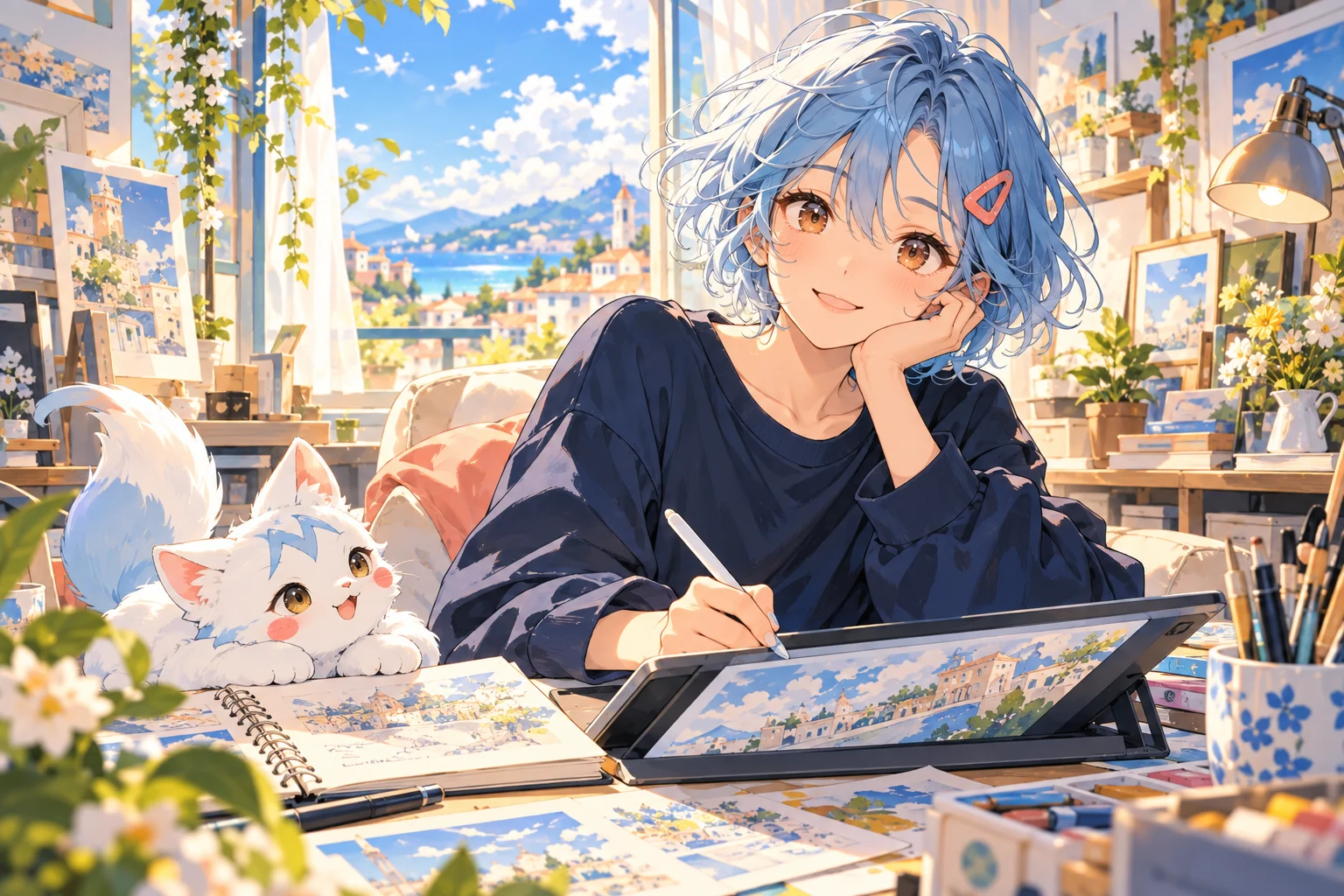


Illustrative images from this template; not verified Miora or Hy Image test outputs.
Prompt framework & independent workspace
Define the goal, the fixed details and the allowed changes. Copy the starter framework into Miora, or use the independent lab workspace below to explore your own ideas.
Image design
Storyboards & motion
Goal: Create a product hero image for [placement].
Input: Use the uploaded product as the visual reference.
Keep fixed: Geometry, proportions, materials, colors, labels, logo placement, buttons and ports. Do not redesign the product.
Change: Place the product in [scene] with [lighting] and [color direction].
Composition: Keep the product as the clear focal point. Use [aspect ratio] and leave space for [headline placement].
Constraints: No additional branding, invented text or extra products.
Review: Compare every visible product detail with the reference before using the image.
Adapt the placeholders to your brief. This is a starting framework, not a guaranteed or benchmarked result.
This workspace belongs to Miora Design Lab. It does not connect to your Tencent Miora account; model access and credits are separate.
Design study topics
A useful design study starts with a deliverable and a checklist. Use these illustrative directions to decide what to ask for and what to inspect after generation.
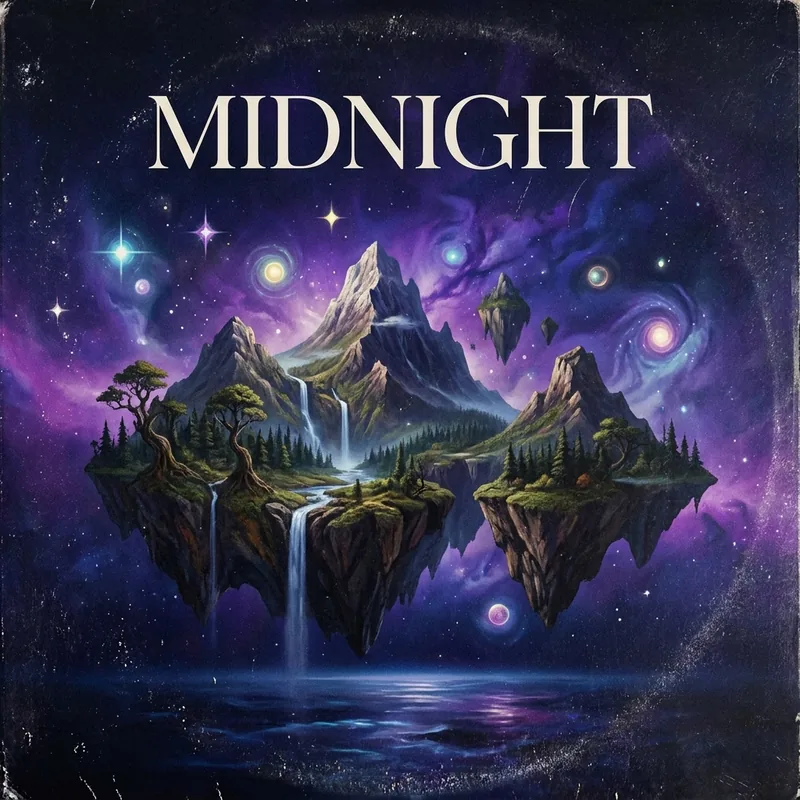
Editorial illustration
Check object count, composition and material texture.
Campaign & poster composition
Check focal point, text space and visual hierarchy.

Product photography
Check shape, labels, color and lighting integration.
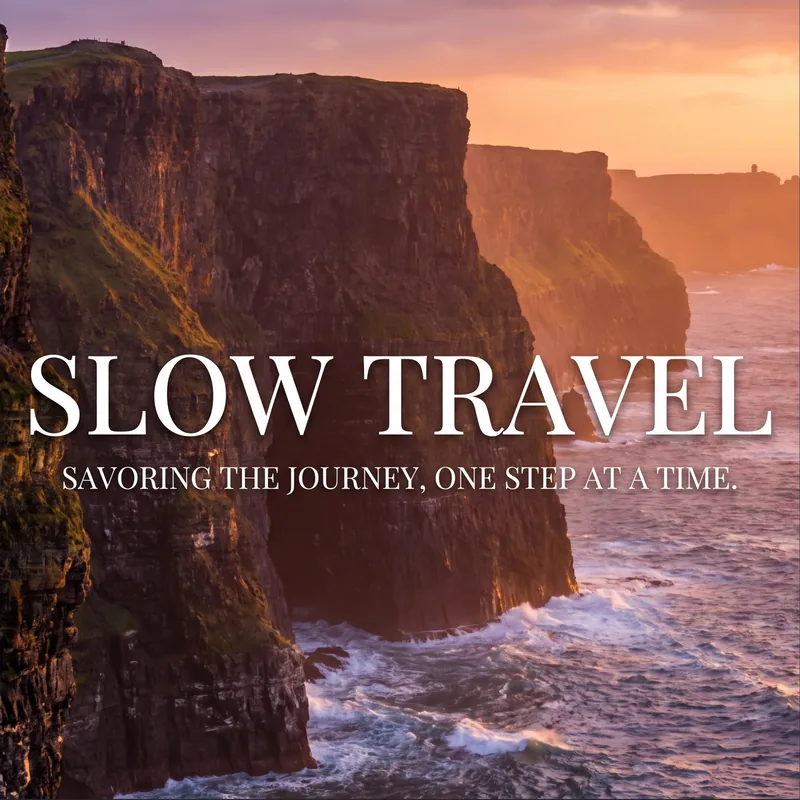
Illustrative images from this template; not verified Miora or Hy Image test outputs.
Go deeper with practical guides to Miora AI, creative briefs, reusable prompts and Hy Image 3.5 design workflows.
Miora Design Lab focuses on briefs, prompts, reference images and review methods. Distinguish the creative workspace from the image model it uses, including Hy Image 3.5 Preview.
Name the audience, deliverable, placement and aspect ratio. Decide what success looks like before generating.
Separate goals, fixed details, composition, style and constraints. Change one variable at a time when refining.
List the features that must survive an edit: product geometry, labels, clothing, pose or background. Compare against the source.
Define characters, wardrobe, environment and shot order. Review continuity across frames before moving to video.
Design evaluation
For Miora and Hy Image studies, record the platform, model, prompt, references and attempts. Judge the requested task, and separate observed results from assumptions about model capability.
Build your review workflowImage checklist
Compare product shape and labels with the reference. Read every required word. Check object counts, composition and whether unrelated details changed.
Sequence checklist
Track face, hair, clothing, props and location across frames. Check shot order and camera direction, then revise only the frames that break continuity.
Use this three-part method for product images, posters or storyboards. Keep your inputs and revisions so you can understand why a result improved.
Choose a deliverable. Gather your reference images and list the details that must remain fixed, plus the changes you want to explore.

Keep the prompt and model settings. Compare each output against the same checklist, rather than choosing only by visual appeal.
Change the instruction that caused the failure. Save the revised prompt, note remaining issues and review the final asset before publication.
Explore by task
Start with your deliverable. A product visual needs reference fidelity; a poster needs readable text; a storyboard needs continuity.
Brand direction
Posters & typography
Product photography
Advertising storyboards
Infographics
Controlled image editing
About this resource
Miora is Tencent’s creative workspace for exploring ideas across images, video and other visual tasks. Its official interface includes Skills, assets and memory. Explore our design guides to plan your own visual workflow.
No. MioraDesign.art is an independent educational resource. We are not affiliated with Tencent or Miora. Our guides and creative workspace are available here on MioraDesign.art.
Start with creative briefs, prompt frameworks, reference preservation and design review checklists. The homepage introduces practical methods for product visuals, posters, infographics and storyboards.
No. Hy Image 3.5 Preview is an image model available in Miora. Miora is the creative workspace around model access and project workflows. Check the official provider for current model availability.
No. They are illustrative assets inherited from this template. They are not presented as verified Miora or Hy Image outputs, and we do not assign invented scores or generation statistics to them.
State the goal and input, list what must remain fixed, then specify allowed changes, composition and constraints. Finish with a checklist for evaluating the generated image.
No. Priorities and clear constraints matter more than length. Resolve conflicting instructions and change one variable at a time when you revise.
Compare geometry, proportions, logo, label text, materials, color, buttons and ports with the source image. Inspect small details at full size before using a generated visual commercially.
No. The workspace on this site is independent. Signing in here does not sign you into Tencent Miora, and credits or model availability are not shared between the two services.
Use the same task, prompt, reference images, aspect ratio, attempt budget and checklist. Record failures and revisions, and distinguish product interface limits from underlying API capabilities.
Start with a prompt framework, define what must stay fixed and use the review checklist to improve your next design.